
Lumen Launch
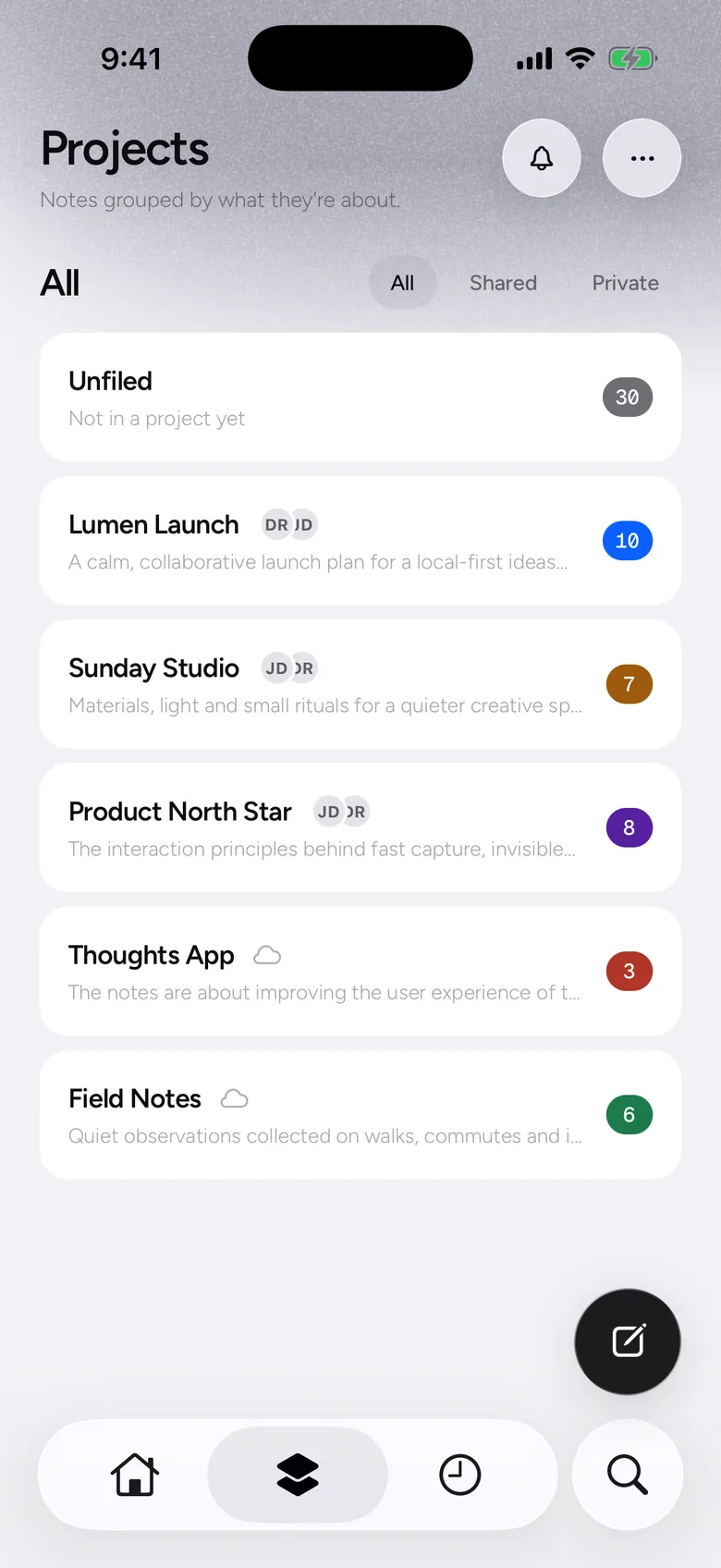
A calm, collaborative launch plan.
Why get another notes app?
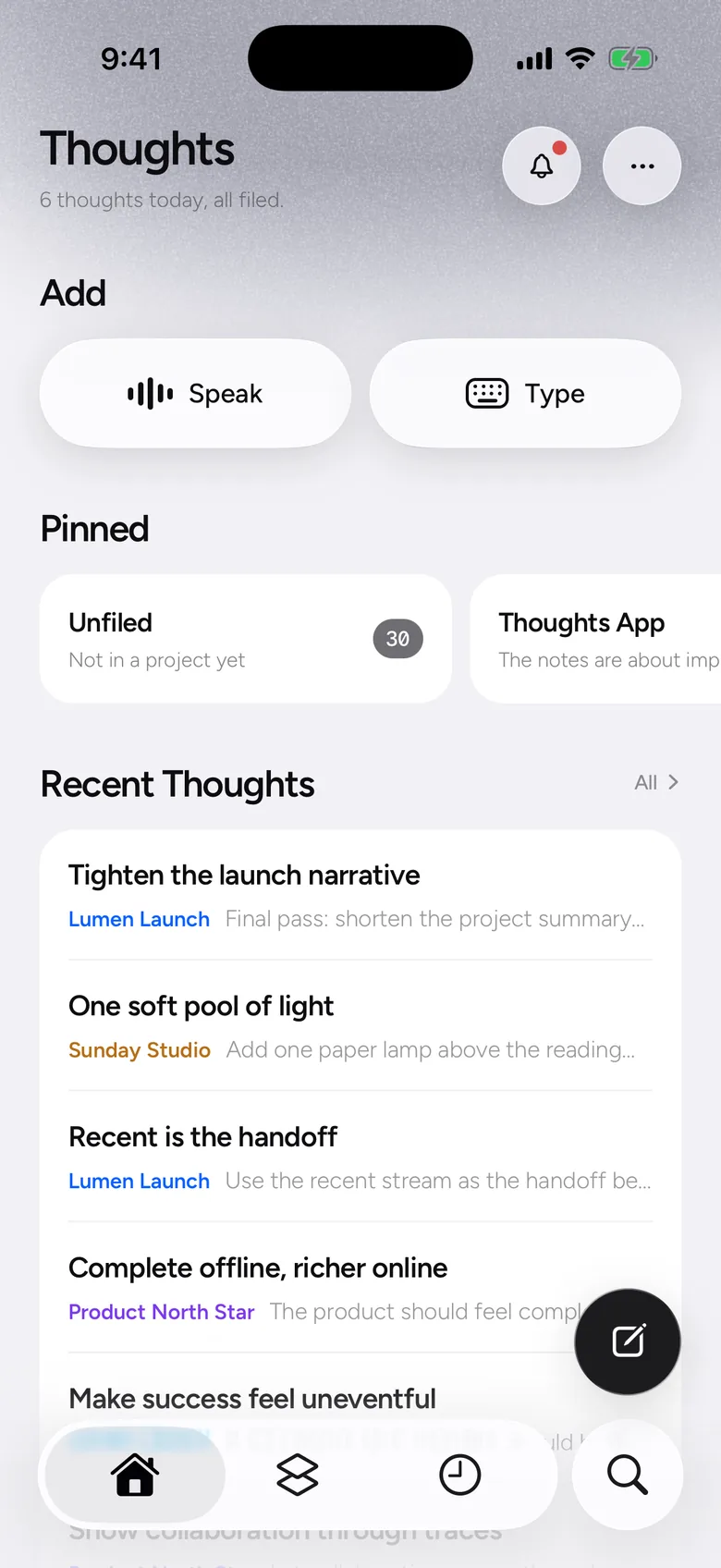
They turn up half-finished, at the wrong moment, in the wrong app. Written down in a hurry, they join a list nobody scrolls back through. Thoughts AI does the tidying and the filing, so every idea ends up somewhere you will actually look.
Notes
3 Notes
Today
launch thing – tighten the story?? ask dan
Previous 7 Days
paper lamp for the reading corner
sync should feel boring (in a good way)
Tidied and filed on your phone
On-device AI
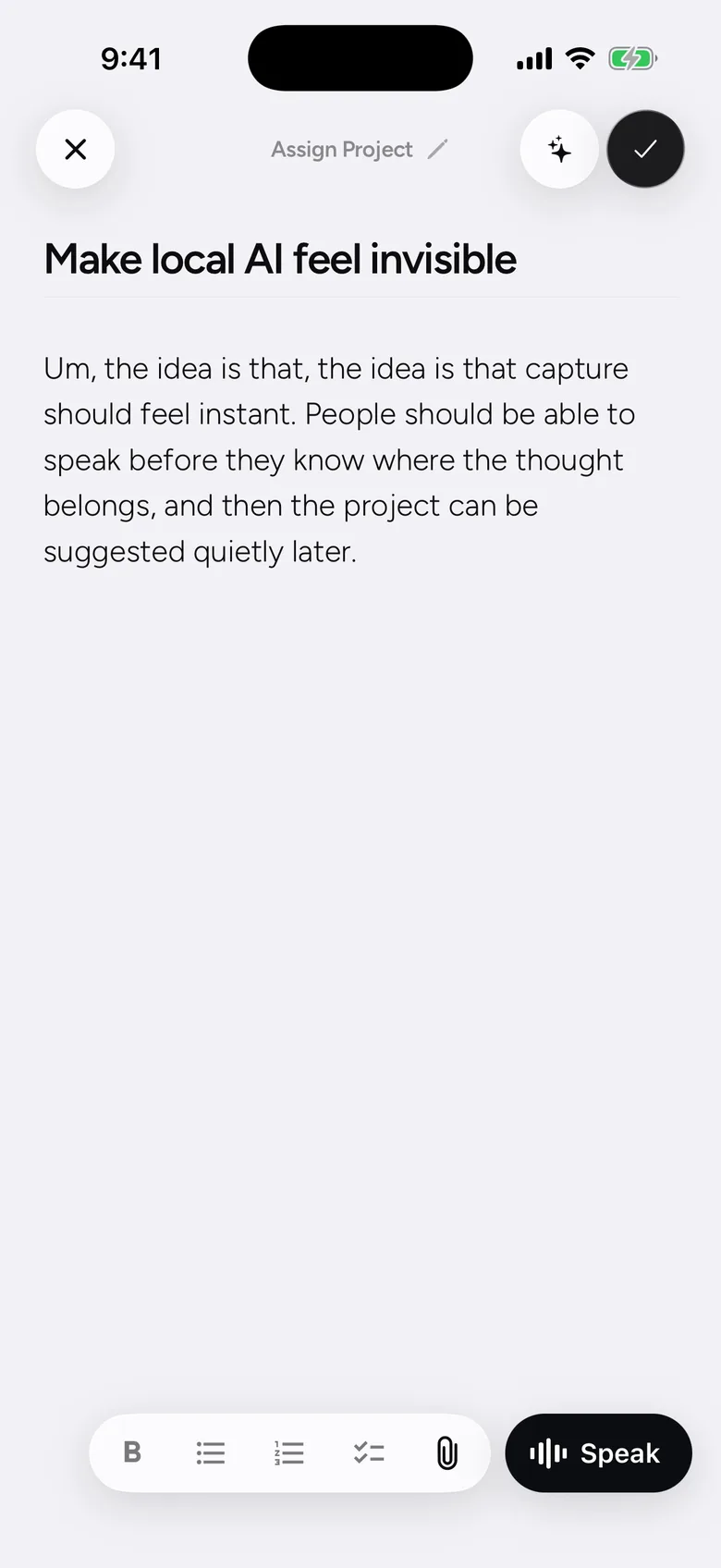
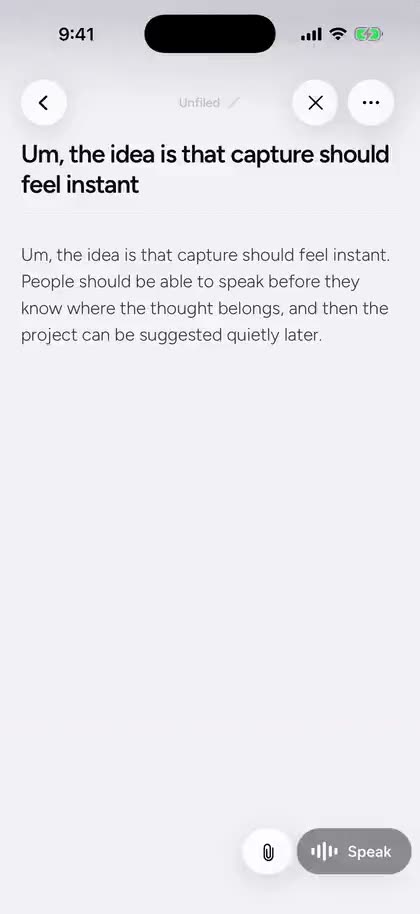
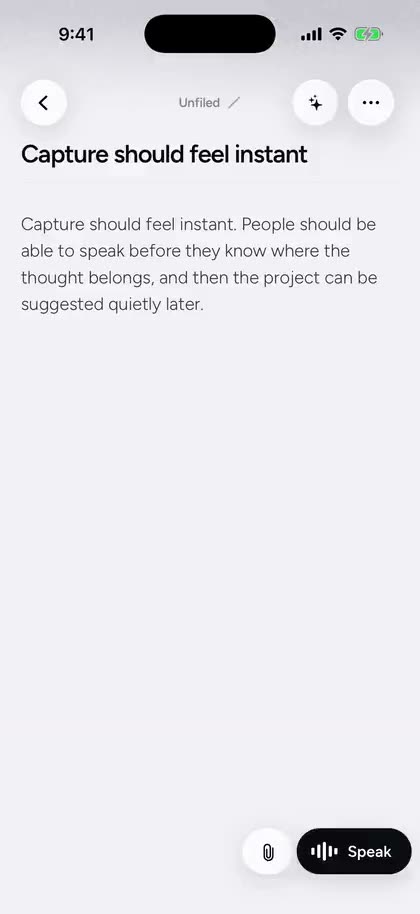
One tap tidies a rambling transcript, writes the title and suggests where it belongs, either on Apple Intelligence or on the model built into Thoughts AI. Nothing is uploaded, nothing is queued, and it still works in aeroplane mode.
The same note, before and after one tap.
Filing
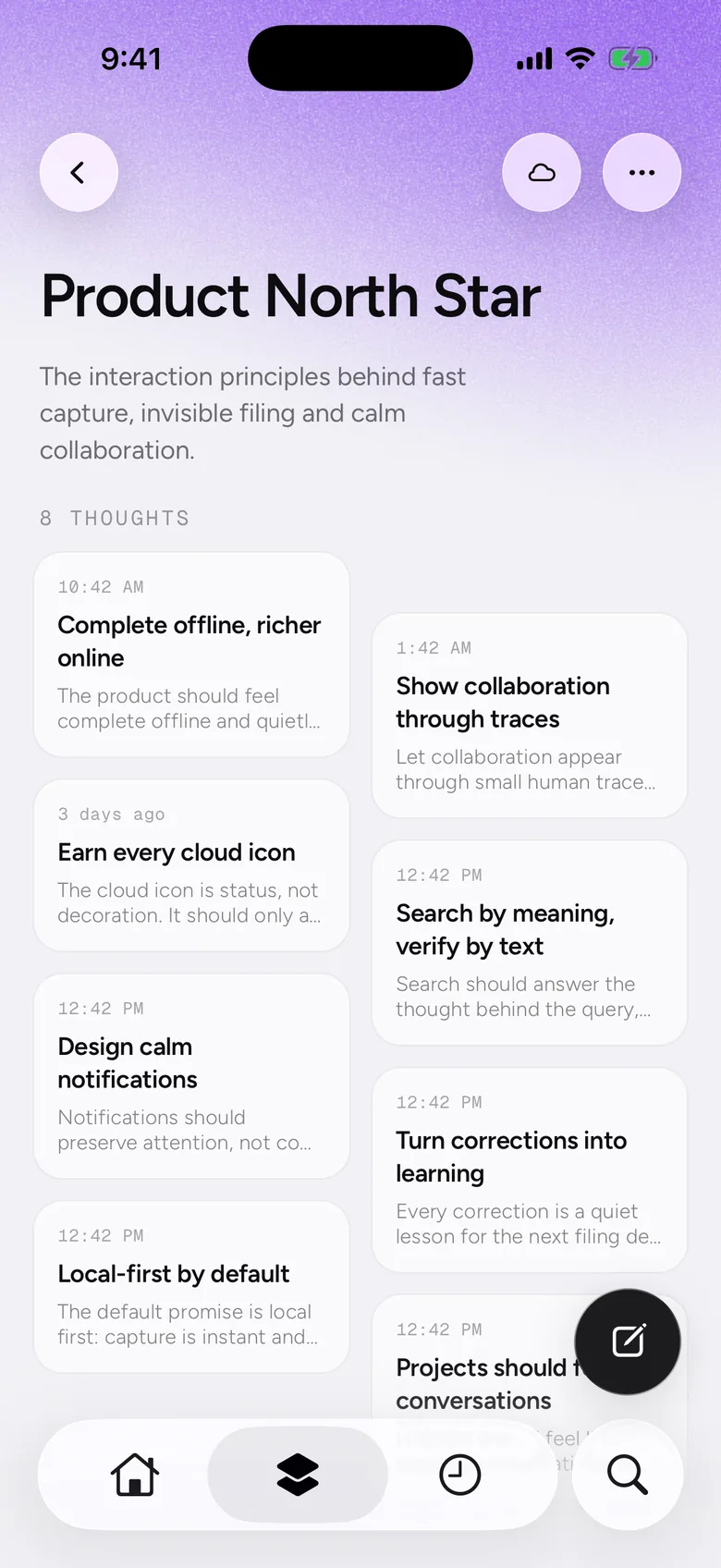
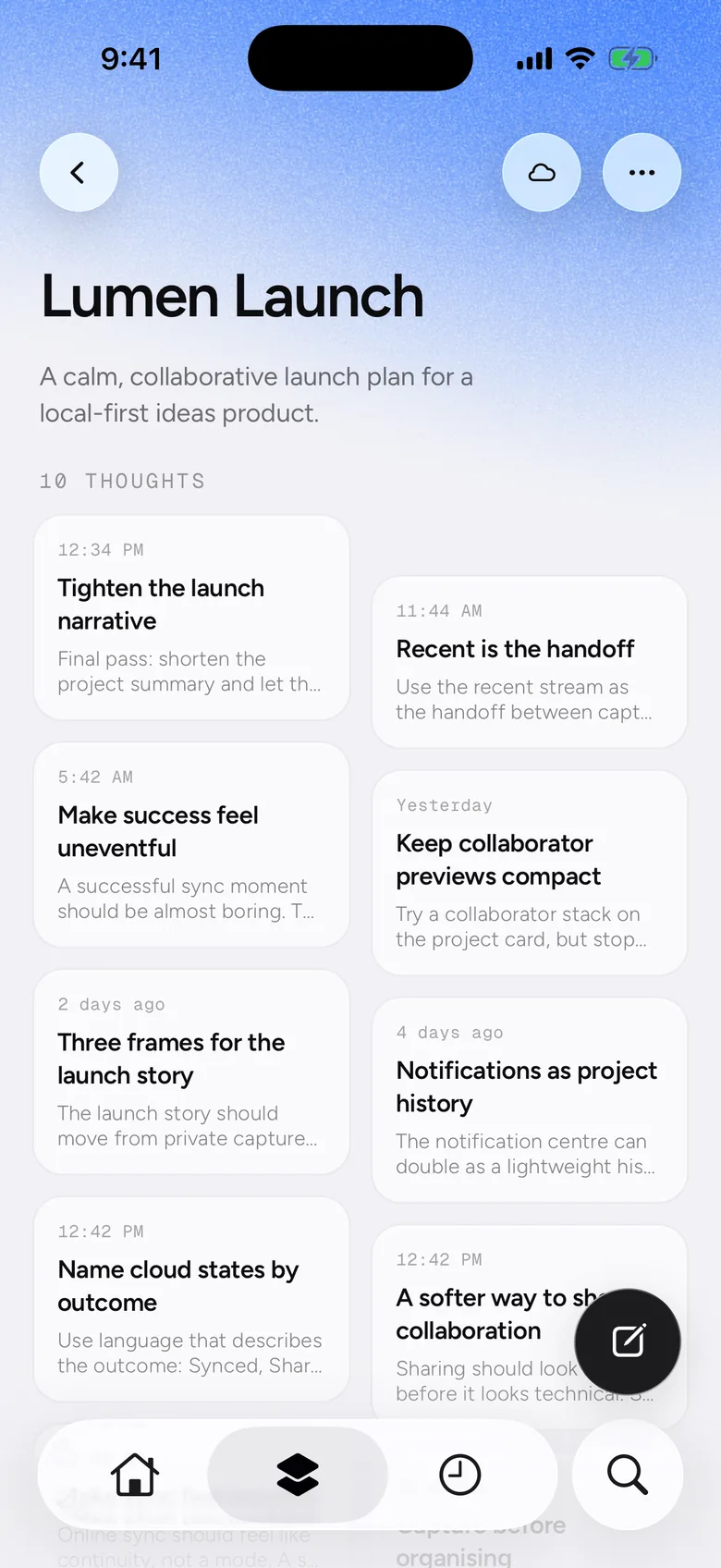
Thoughts AI suggests a project as you write, so related thoughts end up together and each project keeps its own colour. Nothing is filed behind your back: a suggestion stays a suggestion until you take it, and anything you haven’t decided about waits in Unfiled. Move a thought somewhere else later and the next one like it goes where you put that one.
Raw thoughts, straight out of your head.
A calm, collaborative launch plan.
Materials, light and small rituals.
Quiet observations on walks.
Not in a project yet.
And when you need more
Formatting, attachments, widgets, sharing and AI connections stay out of the way until you need them.
What did I add since Monday?
Three thoughts since Monday:



Connect ChatGPT, Claude or any MCP client. Only synced projects are visible.
Connect an AIBold, lists and checklists. A pasted link arrives with its title.
Photos, PDFs and documents.
Attach photos, PDFs and documents to any thought.
Speak or write straight from the Home Screen and Lock Screen.
Dax Rahman added “One soft pool of light” thought to the Sunday Studio project.
1hSync one project, invite by email, and see who added what.


Free. No account needed. For your phone, iOS 26 or later.