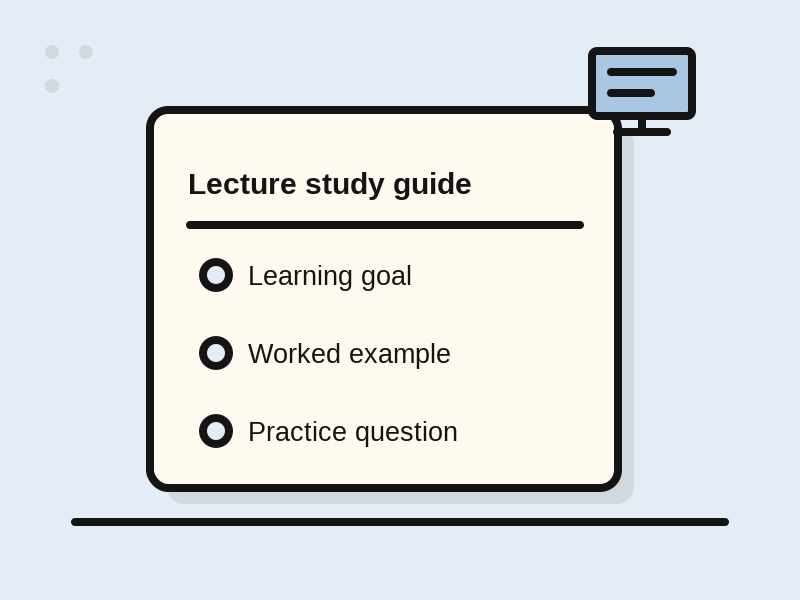
A study guide should help you decide what to practise and where to look when you get stuck. Start with the learning goals for the lecture, then connect each goal to a concise explanation, an example and a question.
You do not need to rewrite the entire lecture beautifully. Keep the original notes and create a smaller guide that points back to them. This preserves context when a compressed explanation turns out to be unclear.
Start with the course’s learning goals
Read the lecture outline, assignment instructions or stated learning outcomes. If these are unavailable, list the main questions the lecture tried to answer and mark that list as your interpretation. Do not mistake an AI-generated outline for the lecturer’s official assessment scope.
For a project management lecture, a goal might be “distinguish scope, tasks and milestones”. That goal needs examples of all three and a question that tests the distinction. A long list of definitions alone would be incomplete preparation.
Use a repeatable study guide template
Course / lecture / date:
Learning goal:
Key explanation in my words:
Worked example:
Common confusion:
Question to answer without looking:
Source location:
Unresolved question to ask:
Repeat this block for a manageable set of topics. Keep formulas, conditions and exceptions where they affect the answer. If a lecture says a rule applies only under a particular assumption, that assumption belongs in the guide.
A before-and-after example
Rough notes might read: “scope boundaries, don't add stuff silently; tasks vs outputs; approval before printing.” A study guide can make that useful without pretending it is a complete transcript:
Goal: Explain the difference between work and its output.
Example: Drafting a handout is a task; the approved handout is an output; approval is a milestone.
Question: Which later activity depends on approval?
Answer to check: Printing.
Gap: Find the lecture’s definition of scope before finalising this section.
The gap stays visible. Filling it with a confident guess would make the guide appear more complete while reducing its reliability.
Use AI to structure material carefully
If you ask an external assistant for help, give it a bounded section and a specific job. A useful prompt is: “Organise these notes under the supplied learning goals. Preserve examples and qualifications. Mark missing explanations as gaps. Do not add facts beyond the notes. Include the original heading for each section.”
Compare the draft with the original. Check numbers, names, negation and words such as “may”, “must” and “only”. Small changes to those words can reverse the meaning of a lesson.
Add practice before calling it finished
Write one explanation question and one application question for each major goal. Try them without looking at the guide. If you cannot answer, find out whether the problem is understanding, recall or missing source material.
Use active recall for short answers and the MCQ workflow for carefully checked alternatives. Keep the answers separate from the first attempt.
Store the guide with its source notes
In Thoughts AI, use a project for the course and descriptive titles such as “Lecture 4: scope and milestones study guide”. Record the textbook section, slide number or source link in the note. Keep corrections attached to the guide rather than losing them in an unrelated chat.
Before the next assessment, review the learning goals and unresolved questions first. The guide earns its place by helping you practise the right work, not by being the longest or most polished note in the project.
Frequently asked questions
Should I replace my lecture notes with a summary?
Keep the originals. A summary can omit examples, exceptions or context that you need later. Use the study guide as a route back to the relevant source.
Can I make a study guide from incomplete notes?
You can organise what you have, but label gaps and check them against the course materials or with the lecturer. Do not treat plausible AI additions as confirmed lecture content.