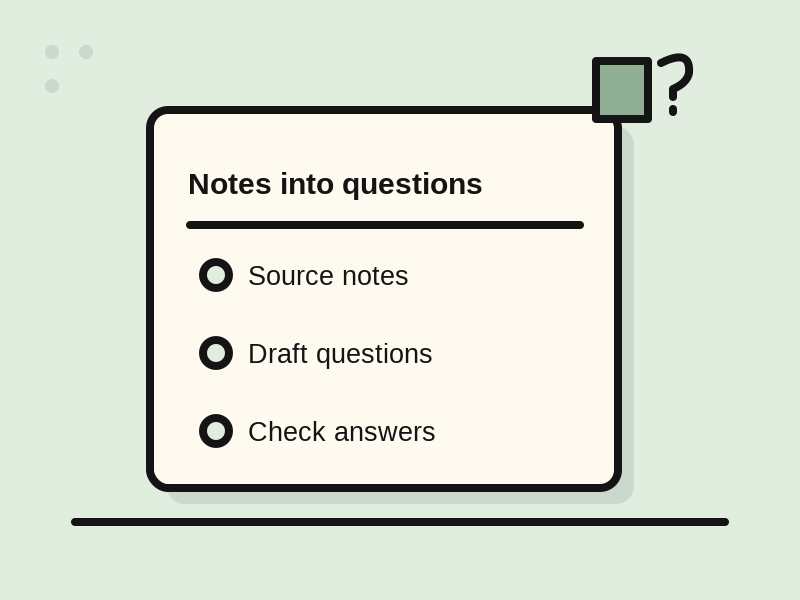
To turn notes into multiple-choice questions, choose a small topic, identify the ideas you need to distinguish and write one question at a time. An AI assistant can draft the questions, but you still need to verify the answer key and make sure each question is supported by your notes.
A useful quiz tests understanding. Changing a definition into a sentence with four possible endings can help with terminology, but scenario questions reveal whether you can apply the idea.
Prepare a reliable source
Use a short section of notes with a clear source reference: lecture title, textbook section or a link you are allowed to use. Fix obvious transcription errors before generating questions. If the notes contradict one another, resolve the contradiction or label it rather than asking the assistant to choose silently.
Do not paste confidential work information or other people’s private details into a study prompt. Use a neutral example when the real context is unnecessary. If you use the optional Thoughts connector, review which synced material the connected assistant can access.
A prompt for generating MCQs from notes
Using only the notes below, draft five multiple-choice questions. Give each question four plausible options and one unambiguously correct answer. Mix concept and scenario questions. Put the answer key after all questions. Explain why the correct answer fits and why each alternative fails. Identify the supporting heading or passage for every answer. If the notes are incomplete or contradictory, flag the problem instead of inventing missing facts. Do not claim these are official exam questions.
Notes:
[Paste the selected notes here.]
Ask for a small batch first. It is easier to find an ambiguous question among five than among fifty. Requesting a supporting passage gives you a place to check; it is not proof that the assistant has interpreted that passage correctly.
A worked example
Suppose your note says: “A risk concerns an uncertain event that could affect the project. An issue is a current problem requiring attention.” A scenario question could ask:
A supplier confirms that today’s delivery has been cancelled. Which record is most appropriate?
A. A completed milestone.
B. A current issue with an owner and response.
C. An approved change request.
D. A stakeholder preference.
The answer is B because the problem exists now. The question should not treat C as automatically true: the cancellation may lead to a change, but the scenario says nothing about approval. That distinction is what makes the explanation worth keeping.
Check every question before studying it
- Can the correct answer be justified from the supplied notes?
- Could another option also be correct under the wording used?
- Does the explanation introduce facts absent from the source?
- Do grammatical clues or answer length reveal the answer?
- Does the set test several concepts rather than repeat one definition?
Rewrite weak alternatives. “All of the above” and joke answers often let you guess without understanding. If two choices are defensible, tighten the scenario or replace the question.
Save a quiz you can revisit
Store the questions and answer key in separate sections or notes so you can attempt the quiz without seeing the answers. Give it a descriptive title such as “Scope and risk: practice questions, lecture 4”. Keep the source reference and any corrections with it.
Thoughts AI can store the resulting notes. The quiz-generation step in this guide happens in an external assistant such as ChatGPT or Claude; it is not a built-in grading or quiz engine. You can copy the result manually or use an authorised connector workflow.
After practice, add mistakes to a study mistake log. For a ready-to-use example of the format, try the project management practice questions.
Frequently asked questions
Can AI generate MCQs from my notes accurately?
It can draft them, but accuracy varies with the notes and the model. Check each correct answer, explanation and alternative against the original source before relying on the quiz.
Does Thoughts AI automatically generate and grade quizzes?
This guide uses an external AI assistant to draft questions and Thoughts AI to store and organise notes. It does not describe a built-in quiz generator or grading feature.