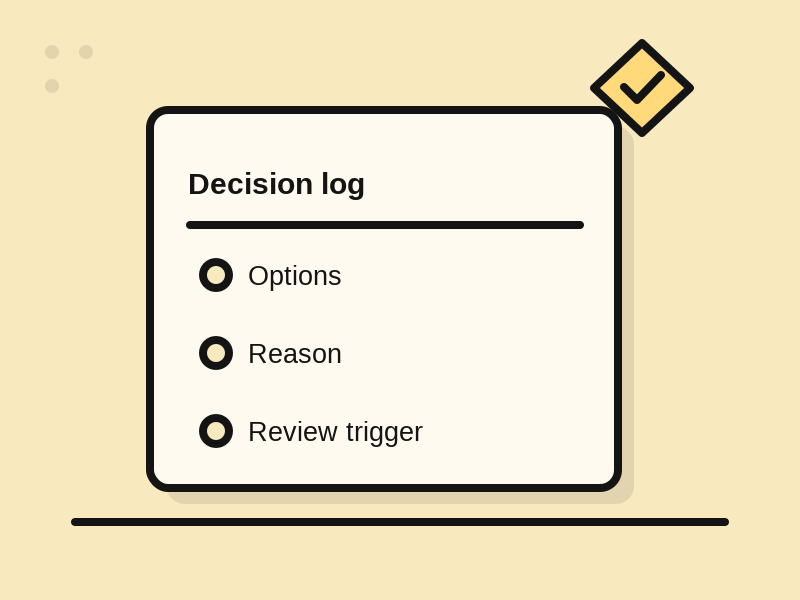
A project decision log is a record of important choices and the reasons behind them. It helps answer “Why did we do it this way?” without depending on someone’s memory or searching months of conversations.
Use one entry for each decision that changes scope, timing, cost or how the work will be carried out. Routine actions belong in the task list. A decision belongs in the log when a future teammate might reasonably need to understand its context.
Copy this decision log template
Decision ID and title:
Status: proposed / approved / superseded
Date:
Question we needed to resolve:
Options considered:
Decision and reason:
Who approved it:
Assumptions and tradeoffs:
Follow-up actions:
Review trigger:
Source or meeting note:
A small project can use a single note with dated entries. A larger project may need one note per decision and a short index. Choose the format that makes a specific choice easy to retrieve. Avoid building a register so elaborate that nobody updates it.
A worked example
Here is an illustrative decision for a team planning a customer workshop.
D-004: Workshop format
Status: Approved, 8 April
Question: Run one large session or two smaller sessions?
Options: One 40-person session; two 20-person sessions.
Decision: Run two sessions so every group has time to test the prototype.
Approver: Workshop lead.
Tradeoff: Facilitators repeat the session, adding preparation and delivery time.
Review trigger: Fewer than 20 confirmed attendees by 15 April.
Action: Update invitations and room bookings.
This entry describes the situation at the time. It does not claim that two sessions are always better. If attendance falls, the recorded review trigger makes reconsidering the decision straightforward.
Make status explicit
A proposed decision can look final when it appears in a polished summary. Put its status near the top. If approval is still pending, record who can approve it and what they need to see. Do not use a person’s attendance at a meeting as evidence that they approved every proposal.
When a decision changes, keep the earlier entry and mark it superseded. Add a reference to the new decision and explain what changed. Quietly rewriting the original reason makes the history unreliable.
Link the decision to the work
The decision log explains why. A meeting note records the discussion, and the task system tracks the resulting work. Link those records instead of copying every paragraph into all three places.
For example, the meeting note might say “D-004 approved; invitations must change”. The task can then name the person responsible for invitations and their deadline. The decision entry remains the place to understand the format choice.
Find a decision months later
Use a title that contains the actual subject: “Workshop format: two small sessions” will be easier to find than “Decision April”. Include the customer, feature or event name in the body when it helps distinguish similar projects.
In Thoughts AI, keep these notes with the project they describe. Use plain text references if you do not have a link to another record. A decision log is a writing convention you can use in notes; it does not require a dedicated decision-management feature.
Before handing the project to someone else, select the decisions that still affect delivery. Include them in the project handover. The new owner should understand the constraints without having to reopen every historical debate.
Frequently asked questions
What is the difference between a decision log and an action log?
A decision log records a choice and its reasoning. An action log records work to complete, who owns it and when it is due. A decision can create several actions.
Should I delete decisions that have changed?
Keep the history when it remains relevant. Mark the old decision superseded, reference the replacement and explain the new information that caused the change.