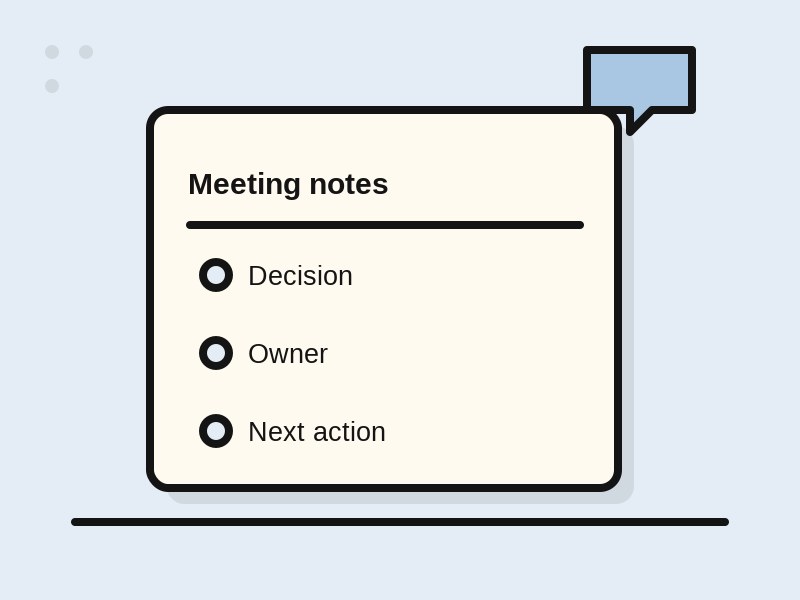
Useful project meeting notes record what changed, what was decided and who will do the next piece of work. You do not need a transcript of everything said. You need enough context for someone who missed the meeting to understand the outcome.
The template below works for a small project check-in, a client discussion or an internal planning session. Copy it into a note before the meeting and fill the headings as the conversation moves. Keep unresolved questions separate from approved decisions.
A project meeting notes template to copy
Project:
Meeting date and purpose:
People present:
Relevant documents:Updates since the last meeting:
Decisions made, with reasons:
Actions: task / owner / due date:
Risks or blockers:
Open questions: question / person to ask:
Next check-in:
Use full dates when a note will be read later. “Friday” loses its meaning once the meeting is a few weeks old. When an action has no agreed owner, write “owner needed” instead of quietly assigning it to whoever spoke about it.
A filled example for a website launch
Imagine a team reviewing a product website before launch. The following is an illustrative example, not a record of a real meeting.
Project: Spring website launch
Meeting: 5 March, launch readiness
Present: Maya, Sam and JoDecision: Launch with the three approved product pages. Move the customer stories page to a later release because permissions are still outstanding.
Action: Sam to check the mobile checkout by 7 March.
Action: Jo to request image permissions by 6 March.Blocker: One payment test is failing.
Open question: Who signs off the revised refund wording? Maya will identify the approver.
The decision explains both the choice and its reason. The actions name a person and a date. The open question stays visibly open. Those details make the note useful even when the reader cannot remember the discussion.
Separate discussion from commitment
“We could launch next week” is a suggestion. “The team agreed to launch on 12 March, subject to checkout approval” is a decision with a condition. Preserve that difference when you tidy the notes or ask an AI assistant to summarise them.
Before the meeting ends, read the action list back to the group. Ask whether the named owners and dates are correct. This short check is often more valuable than writing a longer summary afterwards.
Turn the note into a useful follow-up
After the meeting, remove duplicate points, link the supporting documents and put the note in the relevant project. Add a descriptive title such as “Website launch: checkout blocker and release scope”. A title like “Meeting 3” tells the next reader very little.
Move commitments into the task or reminder system your team uses. A due date written in a note does not automatically create an alert. Record significant choices in a decision log so they can be found without rereading every meeting.
Using the template in Thoughts AI
Create a note in the project, paste the template and edit it as needed. Thoughts AI supports text and voice capture, but this workflow does not require recording the whole meeting. A short spoken recap afterwards can be enough; check names, dates and commitments before sharing it.
Keep personal preparation separate from anything you intend collaborators to read. For the wider structure, see how to organise project management notes. When you need to report progress to someone outside the meeting, use the weekly status update template.
Frequently asked questions
What should project meeting notes include?
Record the purpose, date, decisions and their reasons, actions with owners and dates, blockers and unresolved questions. Add links to supporting material where useful.
Are meeting notes the same as formal minutes?
These are practical working notes. If your organisation requires formal minutes, follow its approval process and required format rather than relying on this template alone.